Kardhaus press kit
The facts, the files, and who to ask.
Last updated 2026-09-18
Kardhaus in one paragraph
Kardhaus (名片屋 in Chinese) is an iPhone app that turns the paper business cards you are handed into contacts you can search. It reads both sides of a bilingual card — Chinese on the front, English on the back — as one person rather than two contacts. There is no account to create and no subscription: the app is a free download with unlimited scanning, and Pro, a one-time purchase, makes its AI features unlimited on devices with Apple Intelligence. Cards are stored on the iPhone and in the user’s own iCloud, and never reach the developer: the app sends nothing to Kardhaus. Kardhaus 1.1, released on September 17, 2026, added capture straight from the Lock Screen: press Camera Control, or use the Kardhaus control on the Lock Screen, in Control Center or on the Action Button, without unlocking the iPhone. The current version, 1.1.1 (September 18, 2026), opens the camera faster, brings a new Liquid Glass app icon and, on iOS 27, a switch to keep AI recognition off Private Cloud Compute.
Fact sheet
| Name | Kardhaus · 名片屋 in Traditional and Simplified Chinese |
|---|---|
| Developer | An independent developer in Taiwan |
| Platform | iPhone, iOS 26 or later — and iPad, iPadOS 26 or later, from version 1.2 |
| Price | Free download. Pro is a one-time in-app purchase (US$5.99 in the US), with Family Sharing. It unlocks unlimited AI recognition, natural-language search and unlimited AI follow-up drafts, all of which need Apple Intelligence; the card map, meeting timeline, Rapport and My Card are free. No subscription, no ads. |
| Languages | 27 languages in the app |
| Released | Version 1.0: August 2026. Version 1.1: September 17, 2026, adding Lock Screen and Camera Control capture. Version 1.1.1 (current): September 18, 2026, with a faster camera, the Liquid Glass icon, a Private Cloud Compute switch and kardhaus.com links that open in the app. |
| App Store | apps.apple.com/app/id6802705945 |
| Website | kardhaus.com |
| Press contact | hello@kardhaus.com |
Key features
- Two sides, one person. A card with Chinese on one face and English on the other is saved as one contact, with both names kept.
- Capture without unlocking — new in 1.1. Press Camera Control on iPhones that have it, or use the Kardhaus control on the Lock Screen, in Control Center or on the Action Button. The card is waiting in the library the next time the app is opened.
- Add the other side later — new in 1.1. Open a card that is already saved and tap Add Back.
- A branch field — new in 1.1. The branch office or store gets a field of its own. This and Add Back were both asked for in an App Store review.
- A Private Cloud Compute switch — new in 1.1.1. On iOS 27, Settings › Apple Intelligence in Kardhaus. It is on by default; turn it off and AI recognition stays on the iPhone, with no card photo sent to Private Cloud Compute.
- Text read on the iPhone. The OCR built into iOS reads the card; AI recognition sorts it into fields. What leaves the phone, and when, is set out on the privacy page.
- Hand over your own card. A Home Screen widget sends it by AirDrop, or shows a QR code for a phone that is not an iPhone.
- Free export. vCard and CSV on every tier, with nothing to unlock.
- No account, no subscription, no ads.
Downloads
- App icon, full size · 1024 × 1024 PNG
- App icon · 512 × 512 PNG
- App icon, small · 180 × 180 PNG
- App icon, dark appearance · 1024 × 1024 PNG
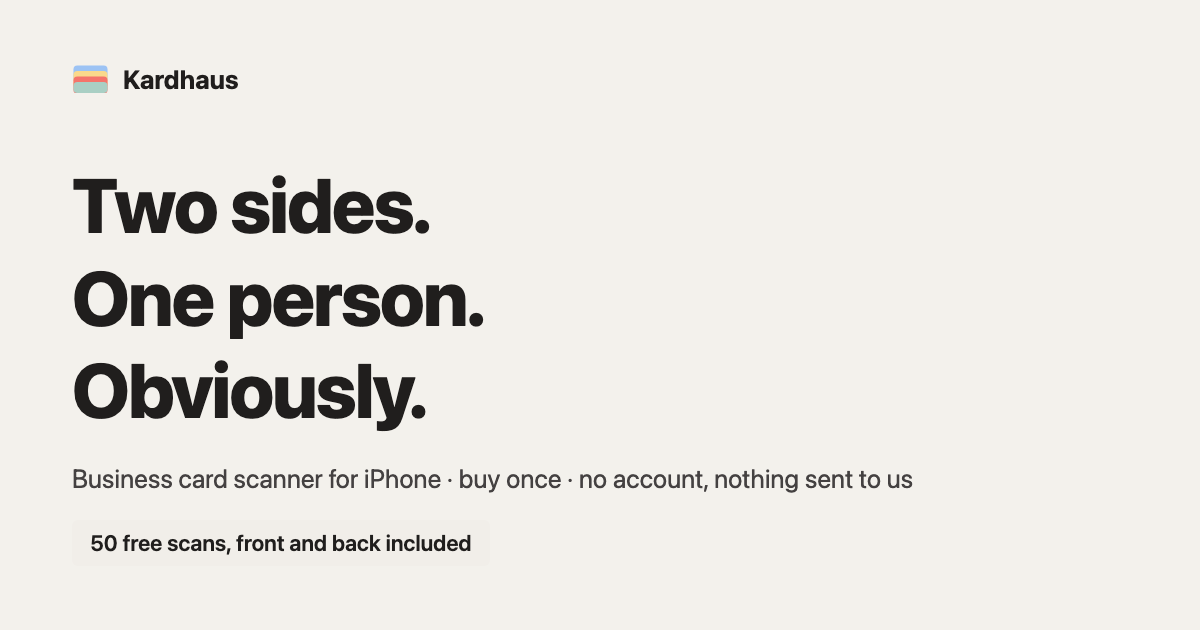
- Share image, English · 1200 × 630 PNG
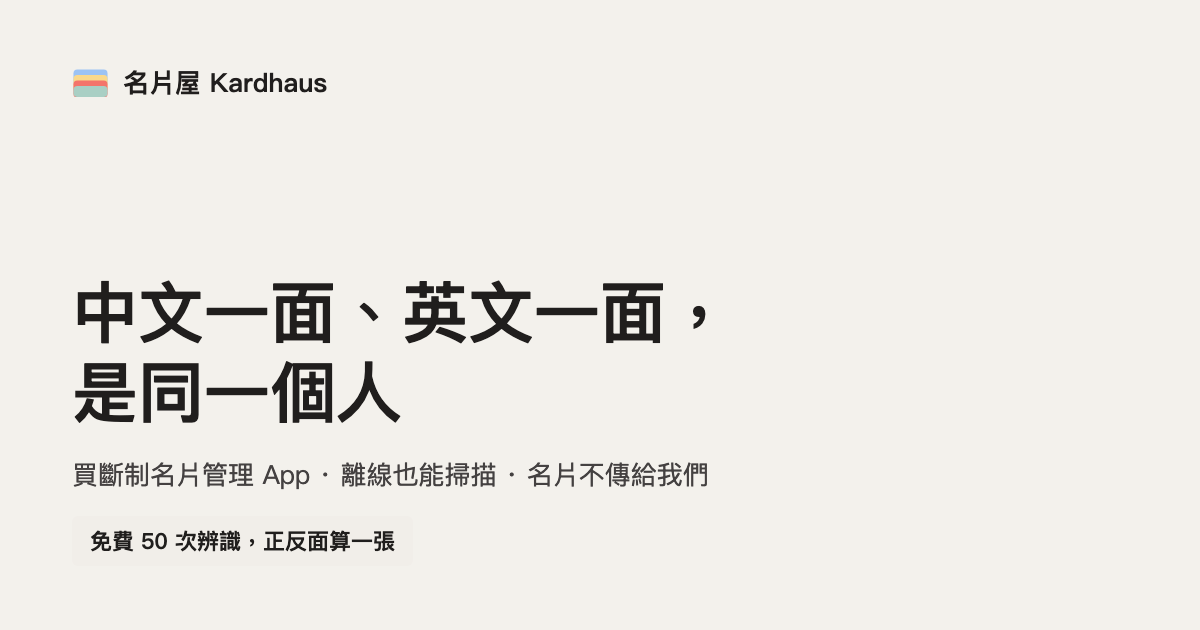
- Share image, Traditional Chinese · 1200 × 630 PNG
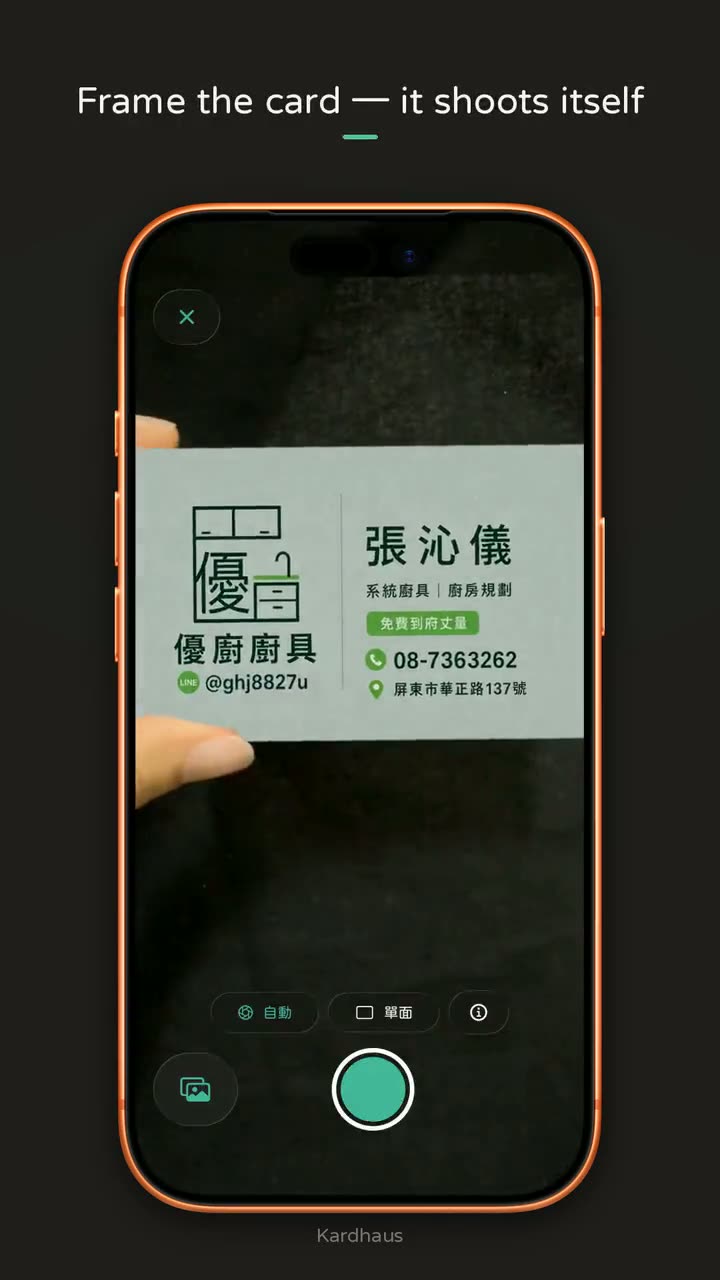
- Demo video · 720 × 1280 MP4, 10 seconds, no audio, recorded on an iPhone; captions in English
- Demo video, poster frame · 720 × 1280 JPEG


Promo reel, 37 seconds
Vertical, for social feeds: a pile of trade-show cards, then capture, Private Cloud Compute on iOS 27, a note, search, the map, the privacy switch and paying once. English captions burned into the picture; the music and sound effects were synthesised for it, so there is no licensed audio to clear.
Transcript
- 40 cards. One trade show.
- Who was the machine-tool guy?
- The card’s still here. The person isn’t.
- Kardhaus Business card scanner · No subscription
- CAPTURE Point. It shoots itself.
- ON iOS 27 WITH APPLE INTELLIGENCE Private Cloud Compute sorts every field.
- REMEMBER Write down why they matter.
- FIND Find them by what you remember.
- MAP See who you met, city by city.
- PRIVATE No account. No server of ours. Purchases: a random ID. Never your cards.
- THE USUAL WAY Subscriptions keep billing.
- KARDHAUS PRO Pay once. Yours for good. $5.99 · ONCE No auto-renew · Family Sharing · Scanning free forever
- Kardhaus Every card you collect, ready to use. Scan free. Pay once. Download on the App Store kardhaus.com
Demo video
About a minute, in four chapters: bring your cards in, capture new ones, get more done with them, and pay once while staying private. Recorded in the app, English interface, US demo contacts, no voiceover.
Press contact
Questions, interviews and anything missing from this page: hello@kardhaus.com. The developer reads it.
iPhone · iOS 26 and later
Download on the App Store
Free to download · Pro is US$5.99 once · no subscription